


The short answer
TurboOffice works inside the AI assistant you already use. Once it is connected, Claude or ChatGPT reads your deals and documents, keeps your tasks and notes, and hands drafting to TurboOffice's own assistant. Anything that commits you comes back as a card for you to approve. Nothing is signed or sent for signatures without you.
It takes two things
- Add TurboOffice as a connector. In your assistant's settings, add a custom connector (ChatGPT calls it a custom MCP server), paste
https://turbooffice.ai/mcp, and sign in with the email you use for TurboOffice. - Add the plugin. It holds TurboOffice's guides: how offers, contracts, signing, forms and documents work. The plugin is open source, and you can read every file on GitHub.

Steps for your assistant
| Assistant | Steps |
|---|---|
| Claude | Connect Claude |
| ChatGPT | Connect ChatGPT |
| Cursor or another assistant | Connect by server address |
Each guide shows every step with a screenshot and links the plugin file. Your assistant's plan decides whether you can add a custom connector. TurboOffice works with assistants that can connect to a remote MCP server and sign in with OAuth. We have not tested every one.
What to ask first
What's on my plate today?
Where does the offer on 12 Oak St stand?
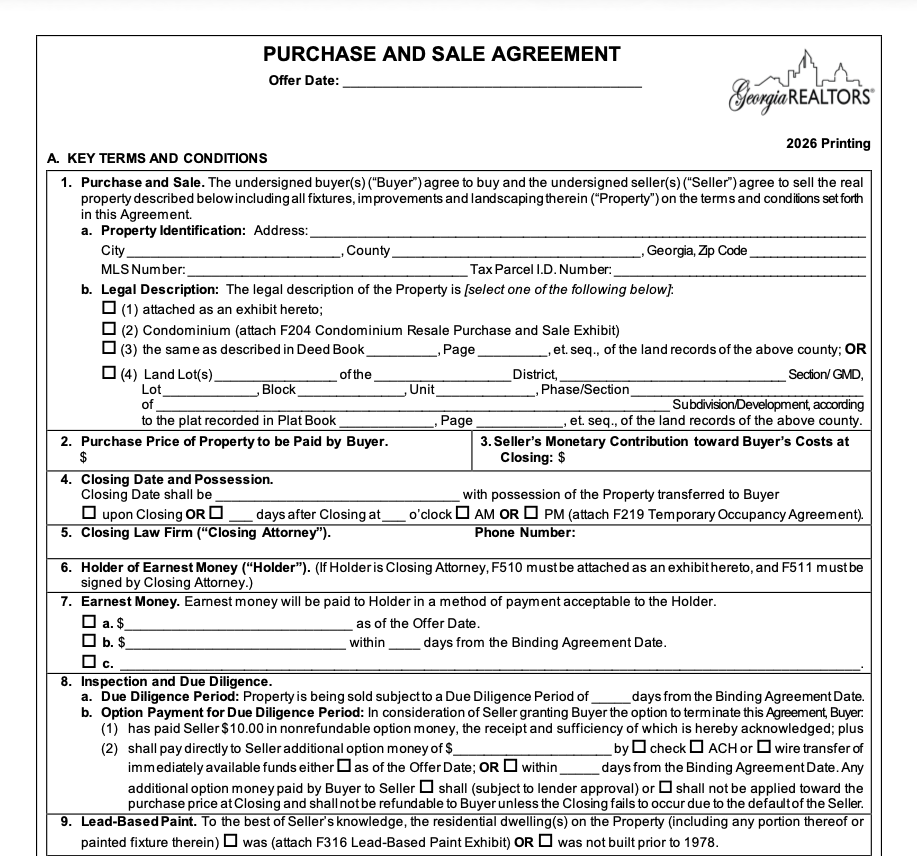
Draft an offer on 50 Brookhaven Dr NE, Atlanta, GA 30319 for the Smiths: $700,000, 10-day due diligence, closing in 30 days, conventional.
Your assistant answers with links into TurboOffice. Open them there to read the paper, sign, or approve.
What the assistant can do
- Read. Your deals, offers, documents, tasks and dates, as you see them in TurboOffice.
- Make small changes you can undo. A task, a note, a showing.
- Start the paper. An offer, a counter, an amendment or a termination. TurboOffice's drafter writes it, and the draft comes back as a link.
- Stage what commits you. Sending paper for signatures, and binding or ending a contract, are cards that say what approving does.
What it cannot do
- Sign anything. You and your clients sign in TurboOffice.
- Send paper for signatures, or bind or end a contract, unless you approve it.
- See deals you cannot see in TurboOffice, or another brokerage's deals.
Questions
Which assistants work? Claude and ChatGPT have their own steps. Any other assistant that can connect to a remote MCP server and sign in with OAuth can use the server address.
Do I need a paid plan on the assistant? Your assistant's plan and your workspace's policies decide whether you can add a custom connector.
What can it see? What you can see in TurboOffice, and nothing more.
How do I disconnect it? Remove TurboOffice from your assistant's connector settings.
What does TurboOffice cost? $39 per agent per month, with a 14-day free trial.